
Developers & small teams
Give your idle computer a job
Your laptop is busy. Your other computer has room. Send separate model requests to the machines you already own through one Stoke endpoint.
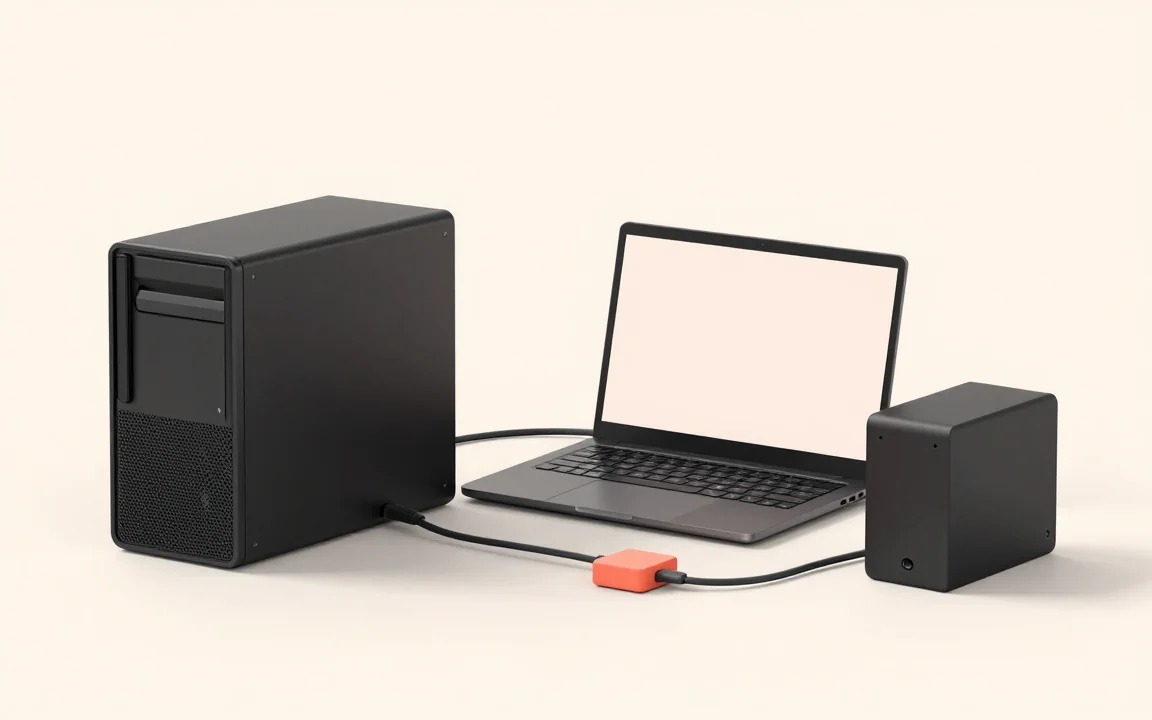
Your coding assistant is waiting for a model response on the laptop you are also using to work. Across the room, a desktop with a suitable model is doing nothing.
You could move the whole workflow to the desktop. Or keep changing endpoints whenever a machine gets busy. Neither is a good use of the hardware you already bought.
Keep the editor here, run the model over there
Point your compatible app at Stoke and register your approved inference machines. Your editor stays on the laptop. Stoke sends each model request to an eligible destination, considering available models, node health, warm capacity and current load.
One machine can handle a coding request while another serves a document-summary request. The applications keep the same gateway address instead of following individual computers around the network.
More places to run requests, not one bigger GPU
This is request routing, not combined GPU memory. A model still has to fit on the machine serving it. Adding another host is useful when you have separate requests it can handle, not when you need to squeeze one oversized model across two computers.
Compare completed work and latency on your actual workload before buying more equipment. Local inference still costs hardware and electricity, and a slow network or unsuitable model can erase the benefit.
Give the spare machine one real task
Start with two trusted machines and a task you already run. Send requests through the same endpoint, check which host serves them, then compare the result with your single-machine setup.
Keep sensitive work on approved private destinations. A remote host can read what it processes; spare capacity is not permission to send it confidential data.